


News
12.10.2026
 Human Machine Interface

Human Machine Interface
 PLC and Remote IO

PLC and Remote IO
 Accessories

Accessories
About the company
Support
News
12.10.2026
Author

Weintek has officially launched EasyBuilder X, a new HMI visualization and programming environment. It is aimed at automation engineers who want a more flexible and efficient way to develop HMIs. The software combines an object-oriented approach, modular architecture, advanced data structures, and a modern interface. It is especially well suited to large, complex projects that will keep growing, since maintenance gets easier and teams can collaborate more effectively.
Download EasyBuilder X for free and try smarter HMI development!
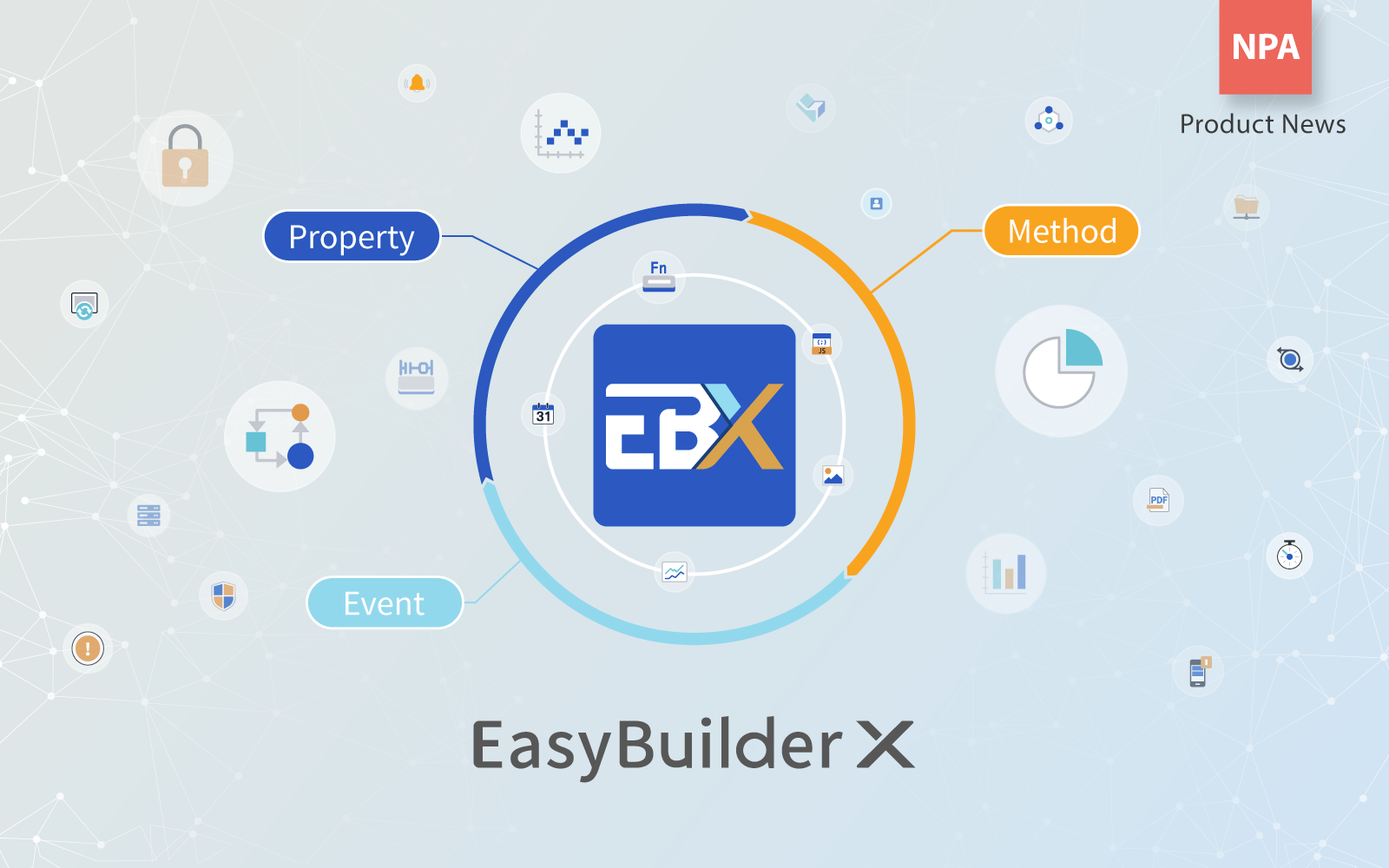
In EasyBuilder X, objects are the basic building blocks of a project. Engineers assemble them into a complete HMI and define how they interact. Every object has its own properties, events, and methods. Events and method calls make interactions between objects clear and logical, so there is less need to pass status information through shared addresses.

Data exchange in EasyBuilder X is built around variables. Widgets are no longer linked straight to PLC device addresses. Instead, widget properties are bound to variables, and the variables are mapped to real PLC addresses. Separating the two layers makes the data structure more flexible and easier to manage.


The most-used functions now sit in a sidebar, so you can view and change settings without constantly opening and switching windows. The central area is not limited to designing HMI screens. Device List, Variable Library, and String Library open there as tabs. Screen design and resource setup both happen in a single workspace, which keeps development focused and uncluttered.
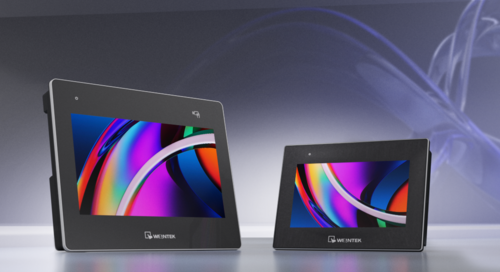
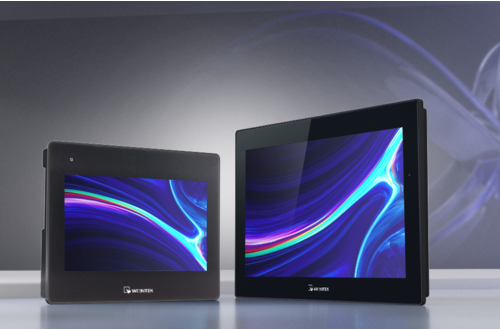
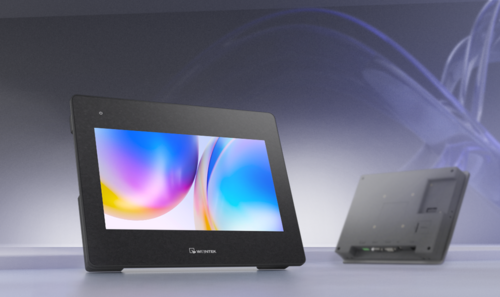
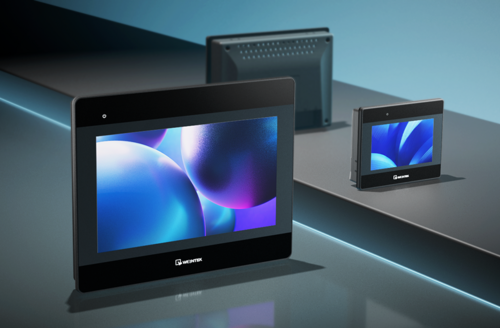
cMT X Advanced: cMT3072X2 (V2), cMT3072XH2 (V2), cMT3072XHT (V2), cMT3072XP (V2), cMT3072XH3, cMT3072XHT (L) (V2), cMT3092X (V2), cMT3102X (V2), cMT3102X (R), cMT3108XH, cMT3108XP, cMT3152X (V2), cMT3162X (V2), cMT3218XP
cMT X Standard: cMT2102X, cMT2108X2 (V2), cMT2128X, cMT2158X (V2), cMT2166X, cMT2168X
Note: these models work with OS version 20260715 or later. More models will be added over time. For the latest details, contact your local distributor.
Open the booklet / download PDF